


Alend Loan APK
LITTLEANT LTD
- Version
- 1.1.25
- Size
- 28.3 MB
- Android
- 5.0+
- Category
- Finance
Screenshots
What's new
Version 1.1.25 is the newest build on APKBlade, updated 28 August 2026.
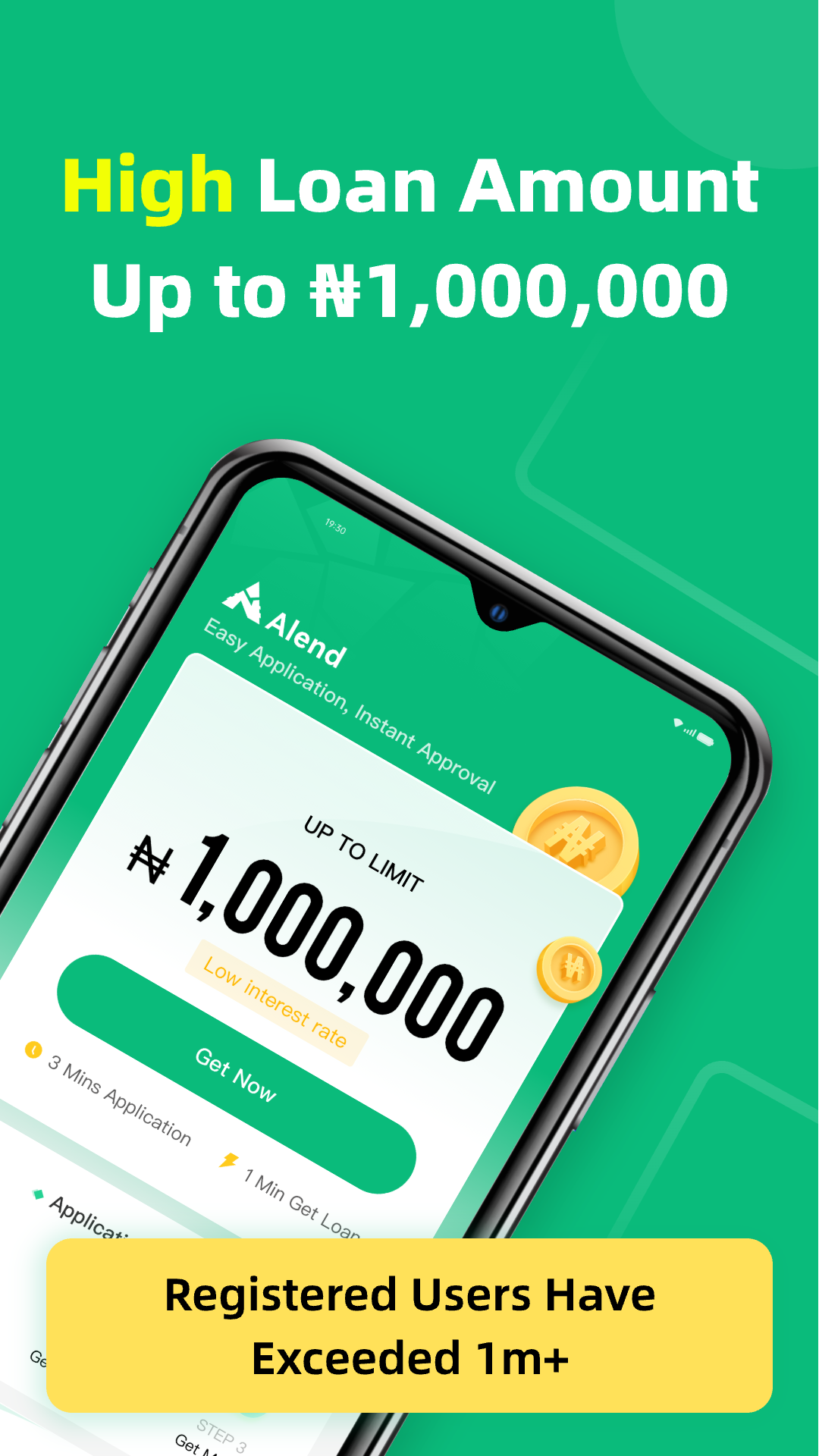
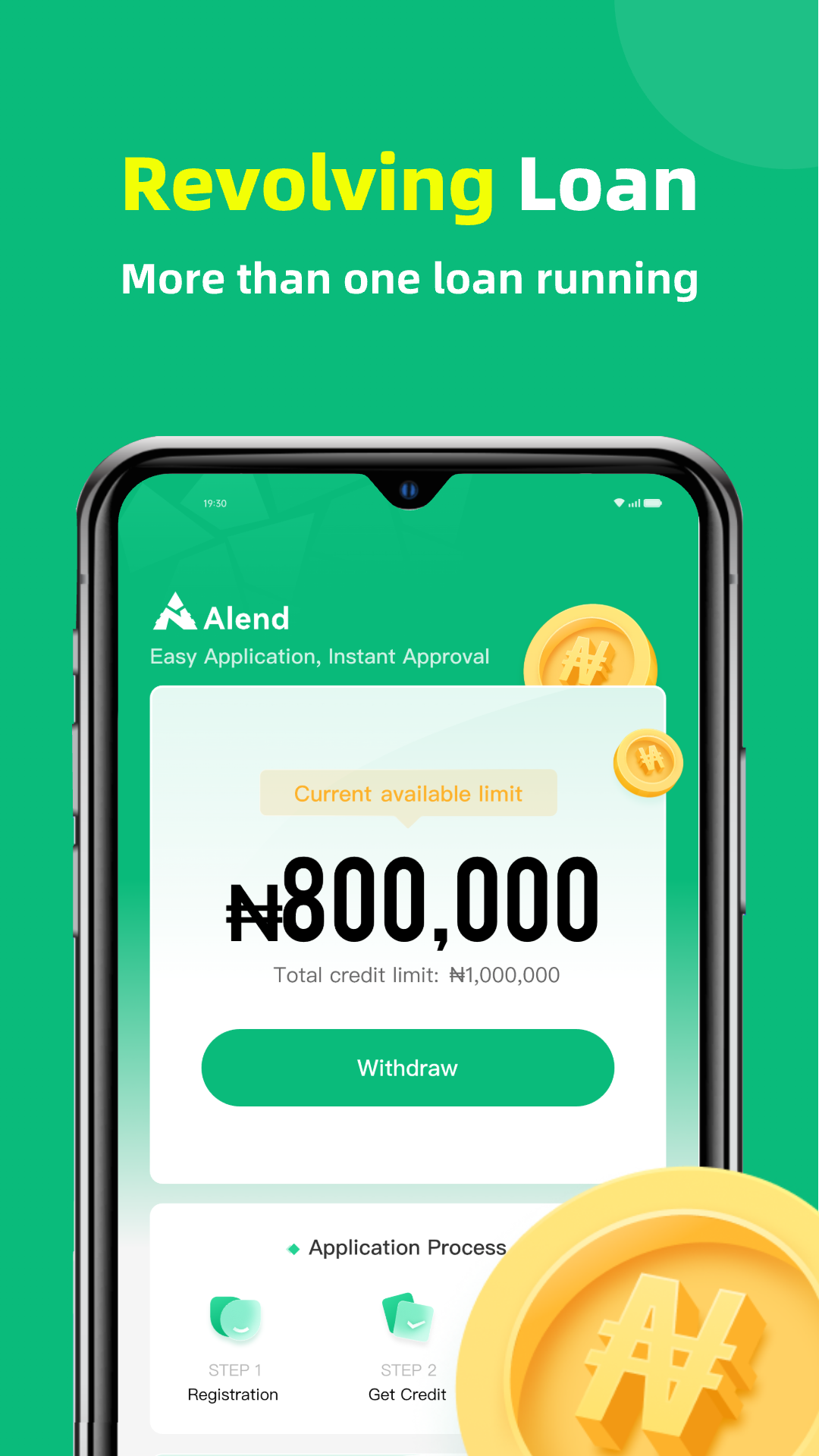
Get quick loans from ₦4,000 to ₦300,000 with a simple, stress-free app. Safe, easy, and no data sharing!
Discover Alend Loan APK for Android
In today’s fast-paced world, sometimes we need a little extra cash to help us through unexpected expenses or to make our dreams come true. That’s where the Alend Loan APK for Android comes in handy.
This app is designed to make borrowing money easy, quick, and stress-free. With Alend, you can get a loan anytime you need, without having to jump through hoops or deal with complicated paperwork. Let’s dive into what makes this app a fantastic choice for anyone in need of a loan.
Why Choose Alend Loan APK?
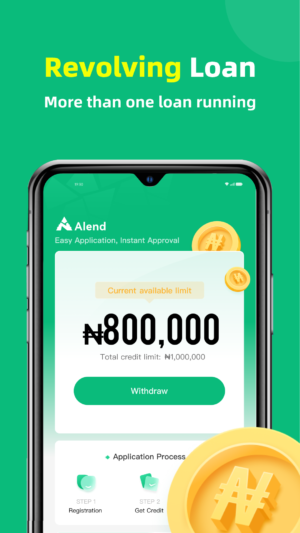
Alend is a user-friendly app that simplifies the loan application process. It offers a range of loan amounts, from as little as ₦4,000 to as much as ₦300,000.
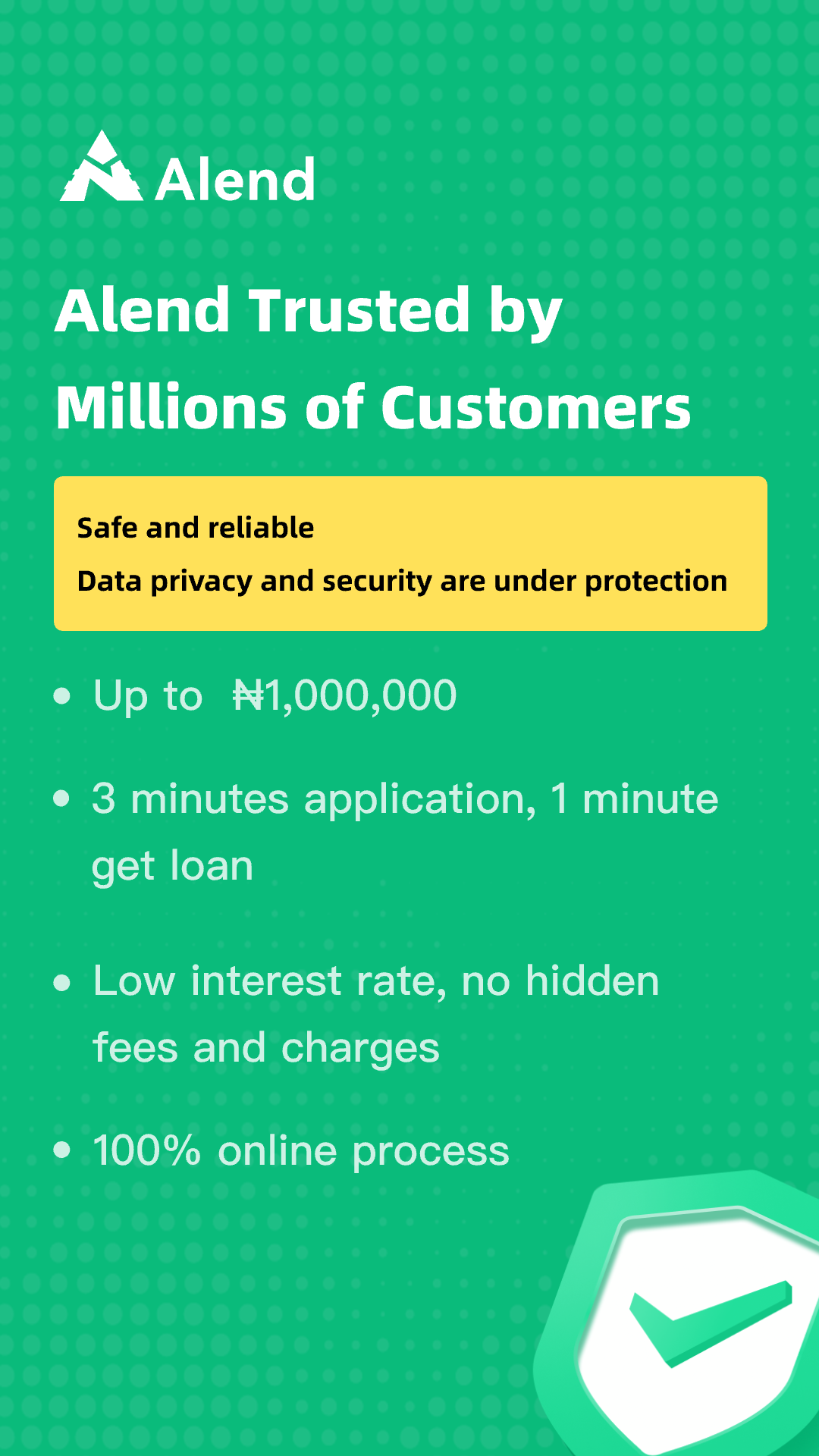
Whether you need a small amount to cover a shortfall or a larger sum for a significant purchase, Alend has you covered. The best part? You don’t have to worry about your data being shared or collected, as the developer ensures your privacy and data safety.
Key Features of Alend Loan APK
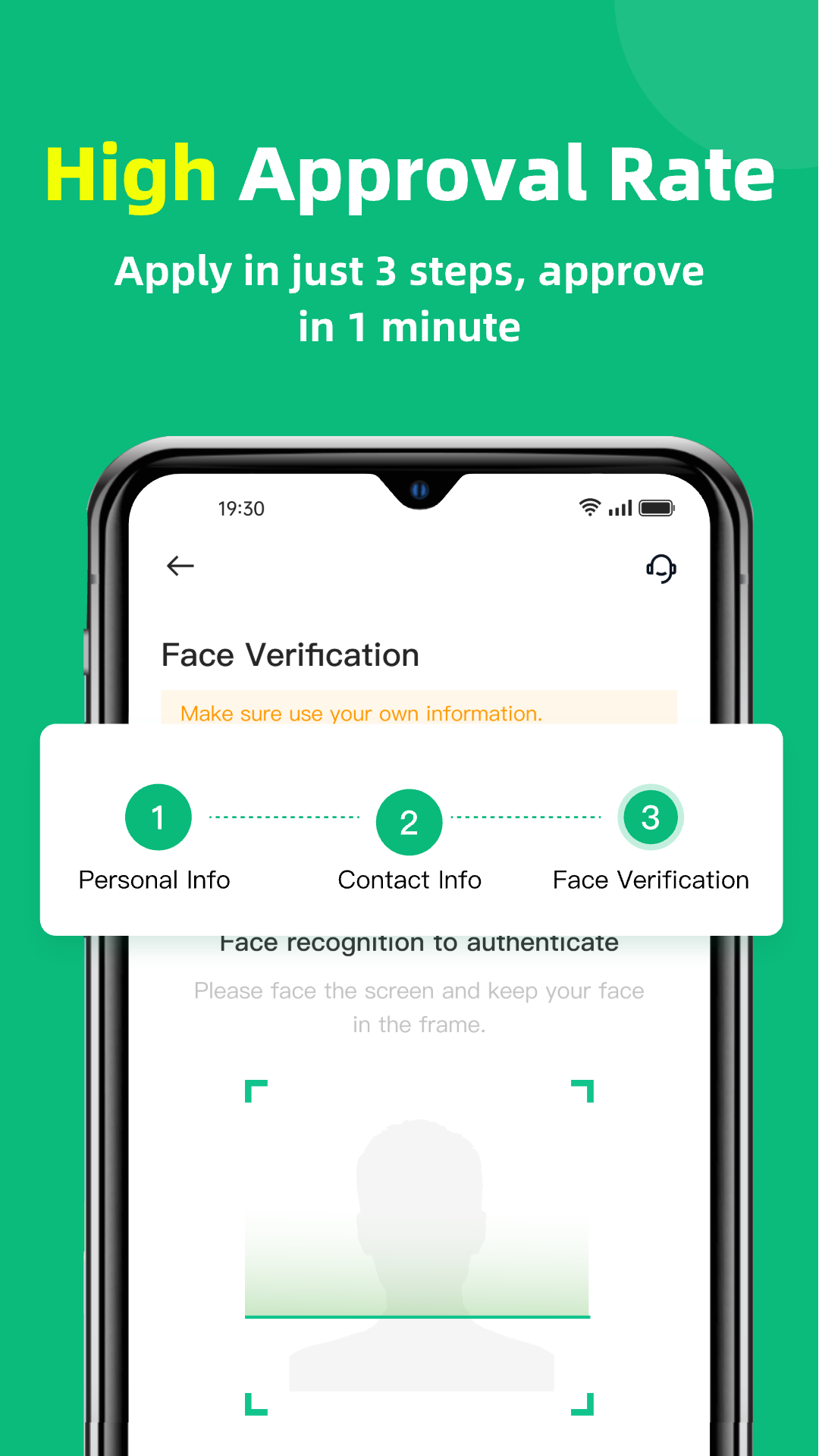
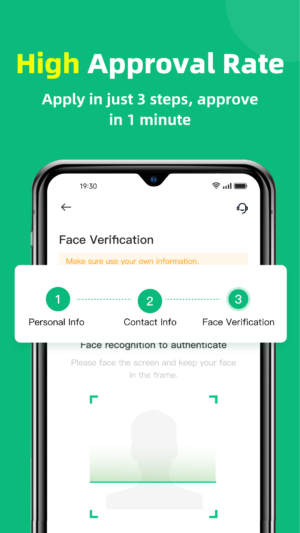
- Easy Application Process: The app is designed to be straightforward and quick to use. You can download it, register, and get approved for a loan in just a few minutes.
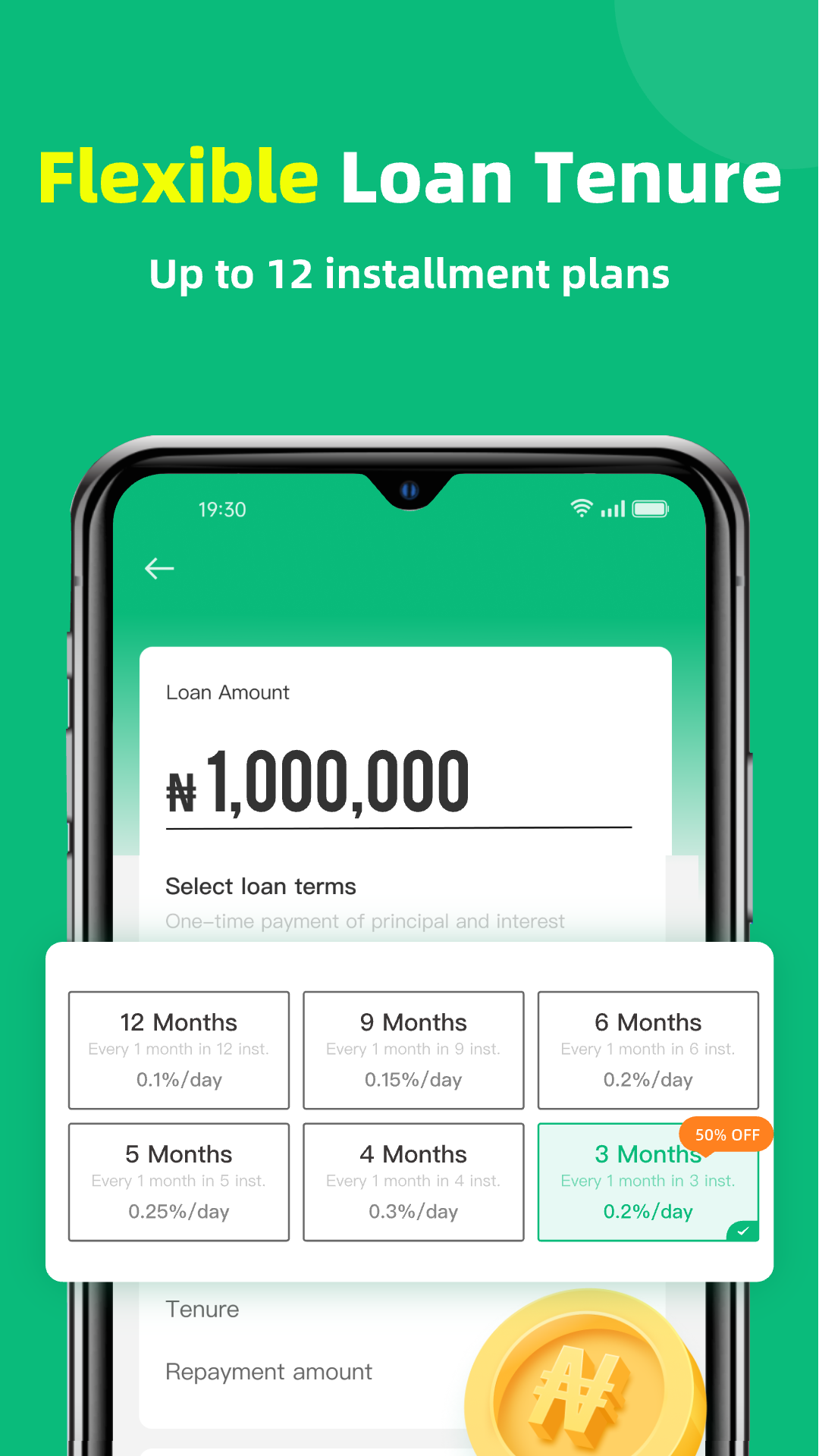
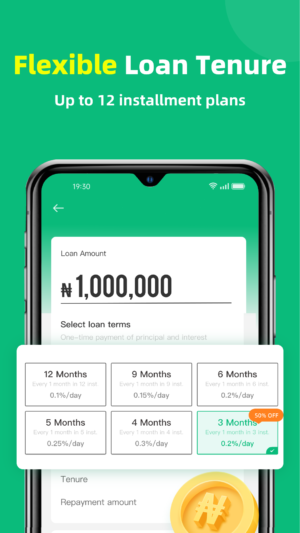
- Flexible Loan Amounts: Borrow as little as ₦4,000 or as much as ₦300,000, depending on your needs.
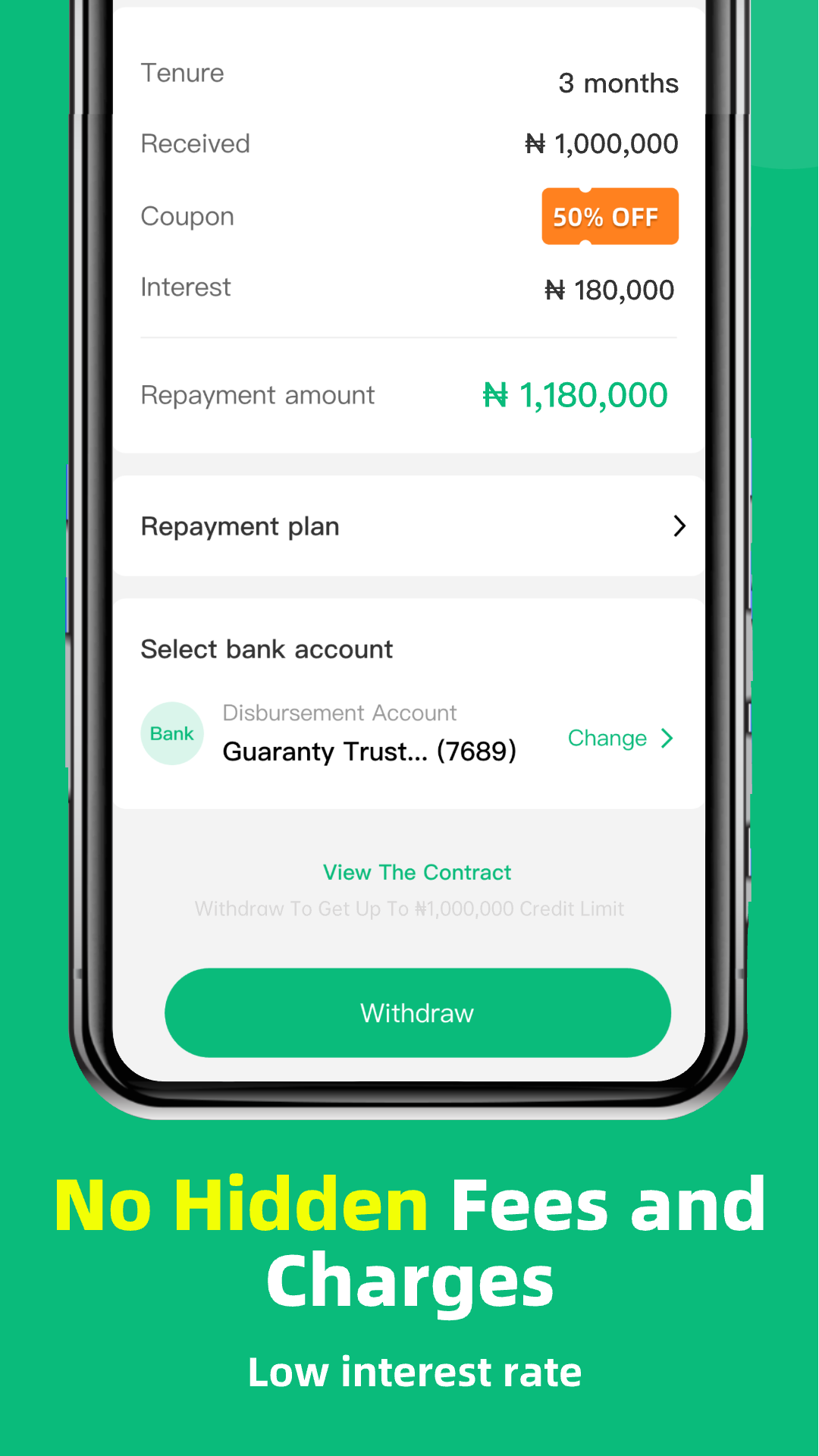
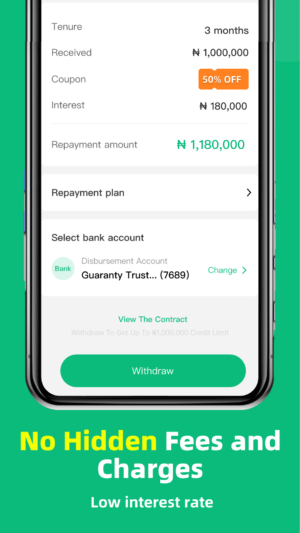
- Low Interest Rates: Alend offers competitive interest rates, making it an affordable option for borrowers.
- Secure and Private: Your data is safe with Alend. The app does not collect or share any user data.
- Instant Approval: No more waiting days for loan approval. With Alend, you can get approved instantly and have the money you need without delay.
How to Download and Install Alend Loan APK
Downloading and installing the Alend Loan APK on your Android device is a breeze. Follow these simple steps to get started:
- Download the APK: Click the download button at the top of the site to download the Alend Loan APK directly to your Android device.
- Enable Unknown Sources: Before installing the APK, go to your device’s settings, navigate to ‘Security’, and enable ‘Unknown Sources’. This allows you to install apps from sources other than the Google Play Store.
- Install the APK: Locate the downloaded APK file in your device’s ‘Downloads’ folder and tap on it to begin the installation process.
- Open the App: Once installed, open the Alend app and follow the on-screen instructions to register and apply for a loan.
Applying for a Loan with Alend
Applying for a loan with Alend is as easy as pie. Once you have the app installed, follow these steps to get your loan:
- Register Your Account: Open the app and fill in your details to create an account. This includes your name, phone number, and any other required information.
- Choose Your Loan Amount: Select the amount you wish to borrow. Remember, you can choose between ₦4,000 and ₦300,000.
- Submit Your Application: Once you’ve chosen your loan amount, submit your application for approval.
- Get Approved Instantly: Alend’s fast approval process means you won’t be left waiting. Once approved, the funds will be transferred to your account quickly.
What Makes Alend Stand Out?
Alend is not just another loan app; it stands out for several reasons. Firstly, its hassle-free process ensures that you can get the money you need without unnecessary stress.
The app’s user-friendly interface makes it accessible to everyone, even if you’re not tech-savvy. Additionally, Alend’s commitment to data safety and privacy is a significant advantage in today’s digital age.
Benefits of Using Alend Loan APK
- Convenience: Apply for a loan from the comfort of your home, without visiting a bank or filling out endless forms.
- Speed: Get approved and receive your funds in a matter of minutes, not days.
- Affordability: With low interest rates, Alend offers a cost-effective solution for your financial needs.
- Security: Rest easy knowing your personal information is protected.
Frequently Asked Questions
Is Alend Loan APK Safe to Use?
Yes, Alend Loan APK is safe to use. The developer has ensured that the app does not collect or share any user data, prioritizing your privacy and security.
What is the Maximum Loan Amount I Can Apply For?
With Alend, you can apply for a loan amount ranging from ₦4,000 to ₦300,000, depending on your financial needs and eligibility.
How Quickly Can I Get My Loan?
The approval process is swift, and you can expect to receive your funds almost instantly once your application is approved.
Do I Need a Good Credit Score to Apply?
Alend does not require a perfect credit score. The app is designed to assist a wide range of users, making it accessible to those who may not have a stellar credit history.
Conclusion
In conclusion, the Alend Loan APK for Android is a fantastic tool for anyone in need of quick and easy access to funds. With its user-friendly interface, flexible loan amounts, and commitment to data safety, Alend offers a reliable and convenient solution for your financial needs.
Whether you’re facing an unexpected expense or planning a big purchase, Alend is here to help. Download the app today and experience the ease of borrowing with Alend.
More About Alend Loan
| Name | Alend Loan |
|---|---|
| Package Name | com.alend.cash.instant.credit.loan |
| Category | Finance |
| Version | 1.1.25 |
| Size | 28.3 MB |
| Requires Android | 5.0 and up |
| Developer | LITTLEANT LTD |
| Last Updated | 28 August 2026 |
How to Install Alend Loan
- Tap the download button and let the file finish.
- Open the file from your notifications or the Downloads folder.
- If Android asks, allow your browser to install unknown apps.
- Tap Install, then open the app.
FAQ'S
How to install Alend Loan on android phone?
Once you've downloaded the APK file, click on the downloaded file, then hit the "Install" button.
I am getting Play Protect warning while installing!
Some mod APK files might get a warning. You can ignore this warning and install the APK file. Follow these simple steps to turn off Play Protect: Open Google Play app > Click Profile Icon > Select Play Protect -> Setting > Turn off both "Scan apps with Play Protect" and "Improve harmful app detection" options.
How to update APK without losing the data?
To update APK without losing the data, you don't need to follow anything extra. Click on the downloaded APK file and click the "Install" button. The app will update automatically without loss of data.
How to fix problems while installing/opening?
Make sure you have downloaded the file correctly. The downloaded file extension must end with .apk file. If you face any package install error, redownloading the file may fix the issue.


















Ratings and reviews
There are no reviews yet. Be the first one to write one.